01
Activities
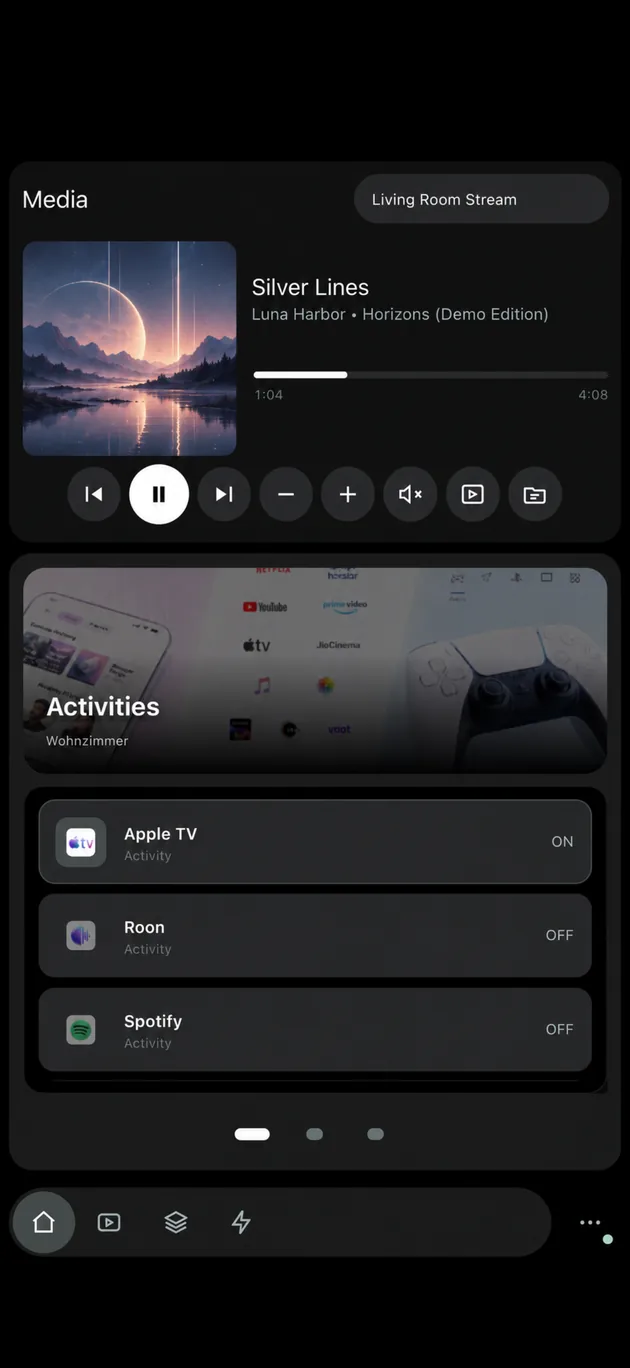
Start and stop the activities on your Remote with a tap.


Control your Unfolded Circle Remote Two or Remote 3 from your phone or tablet. Start activities, use your remote buttons, see what's playing and control your devices, all with the setup you already have.
For iPhone and iPad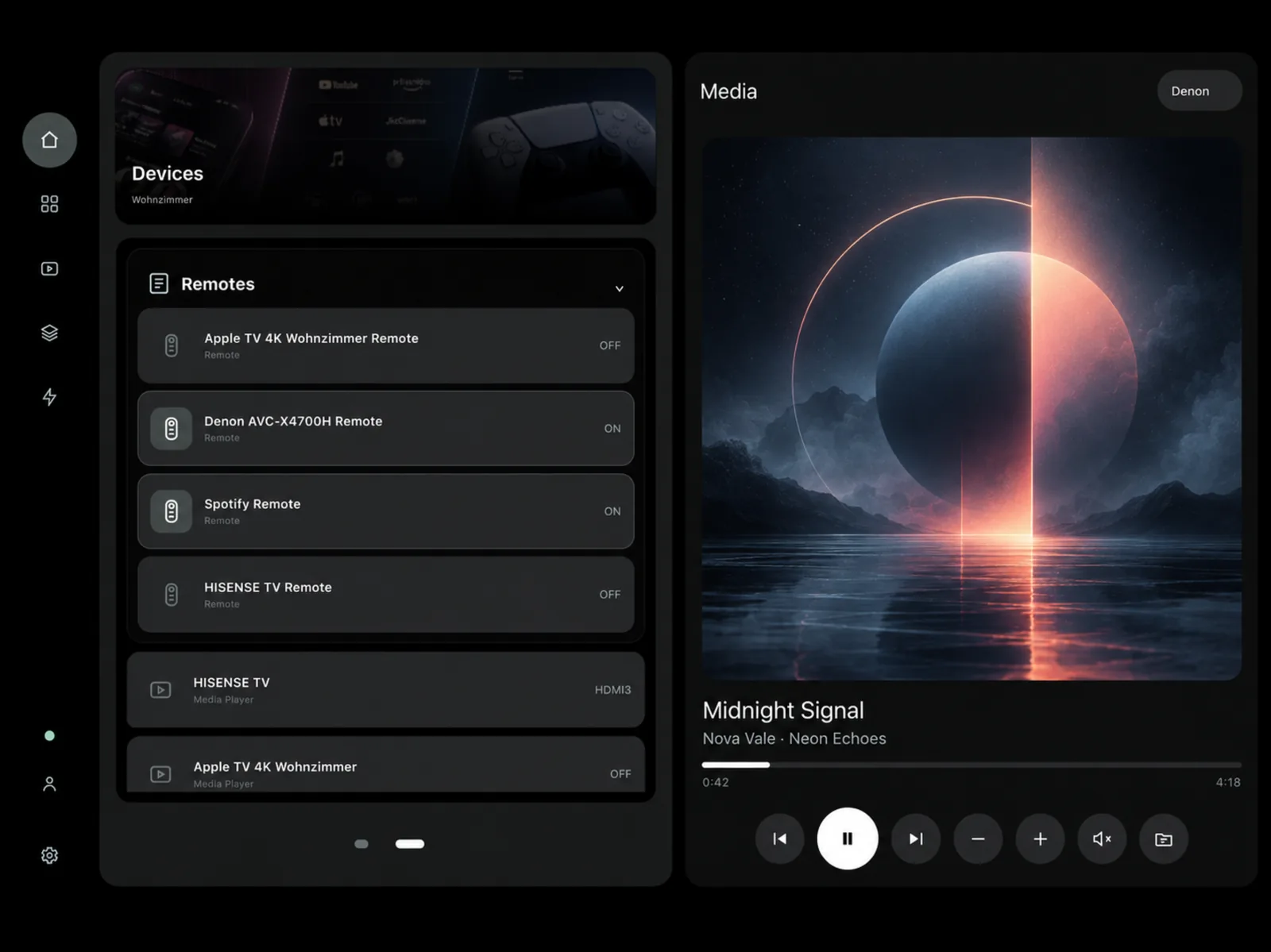
There's nothing to set up twice. UC Remote connects to your Remote and loads its activities, buttons and entities, so everything works the way you configured it.
Start and stop the activities on your Remote with a tap.
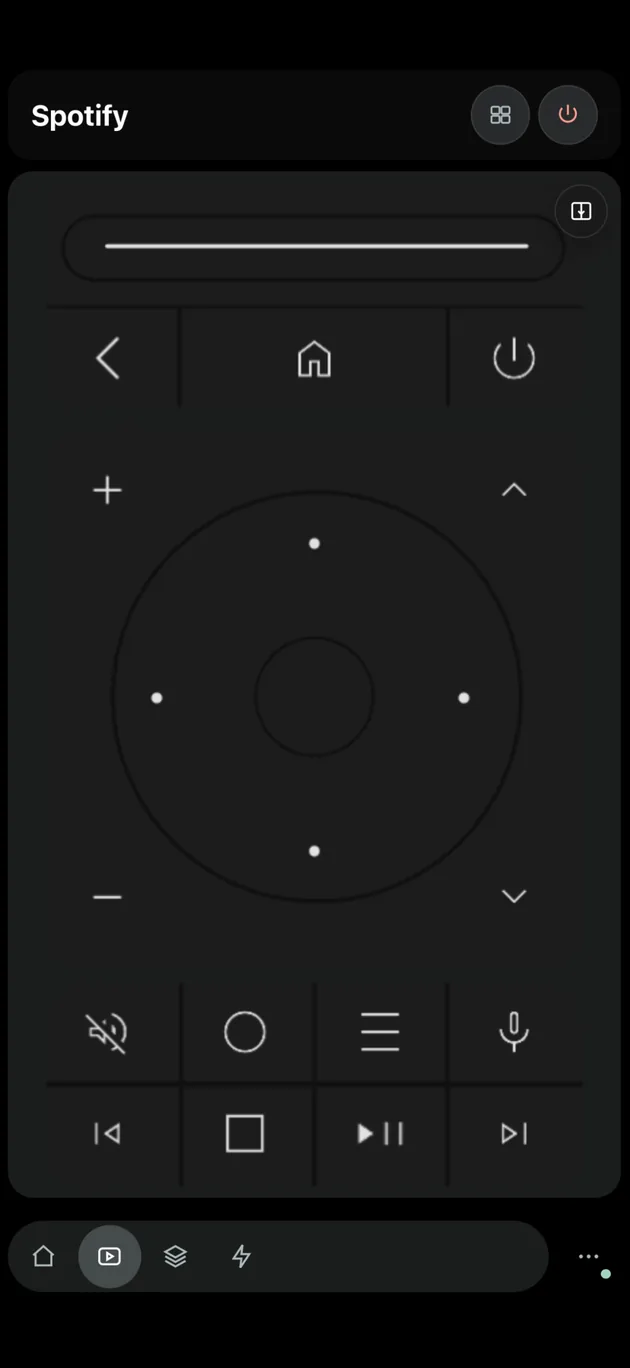
Use the buttons from your activities, laid out for a touch screen.
See artwork, title and progress, and control playback.
Find any light, switch or media player from your integrations and control it directly.
Add more than one Remote and switch between them whenever you like.
Separate layouts for phone and tablet, with haptic feedback.
Your activities, what's playing and the controls you need most are right there when you open the app.
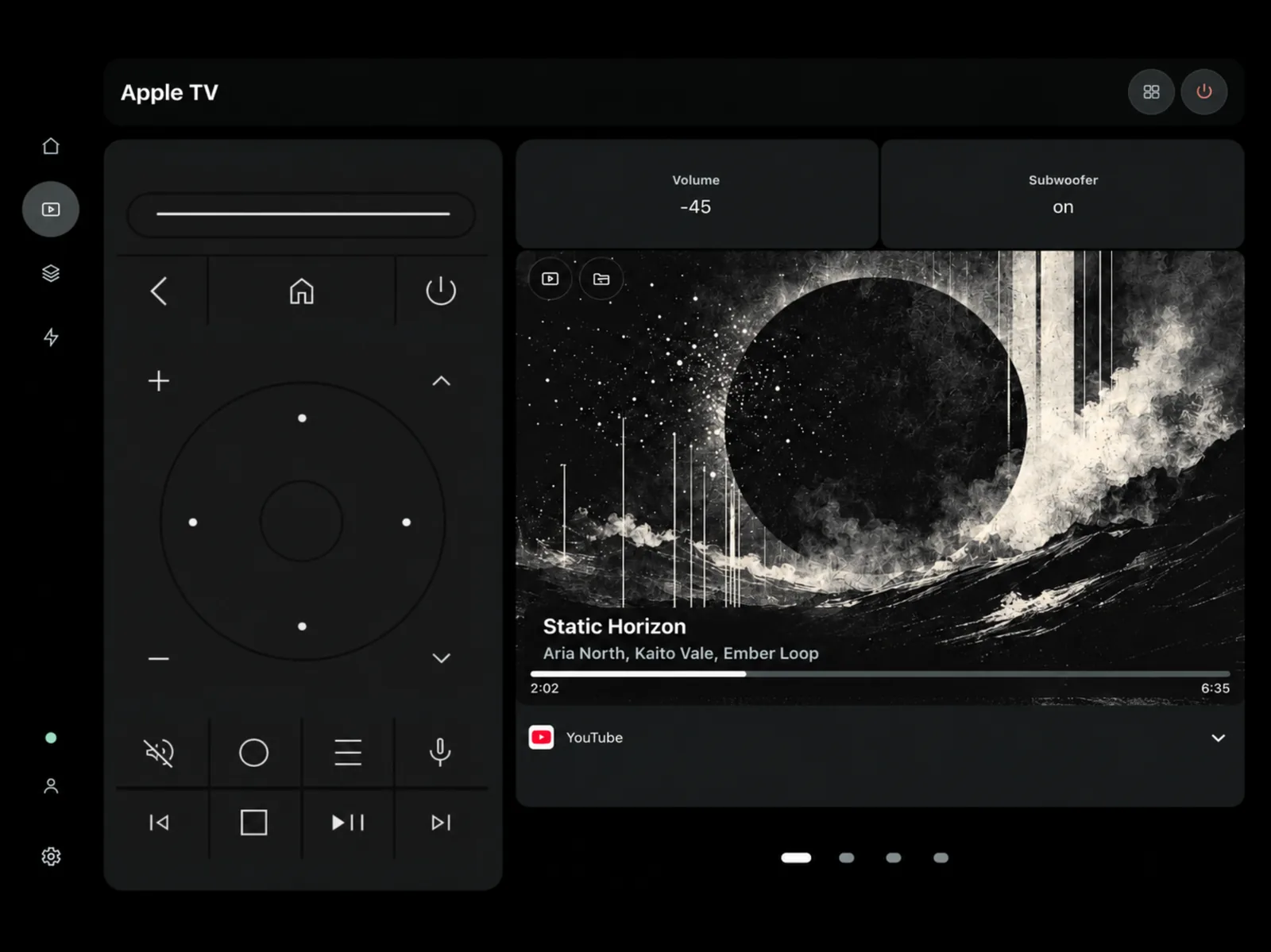
On iPad, the remote controls and the media player sit side by side, along with extras like volume and device status.
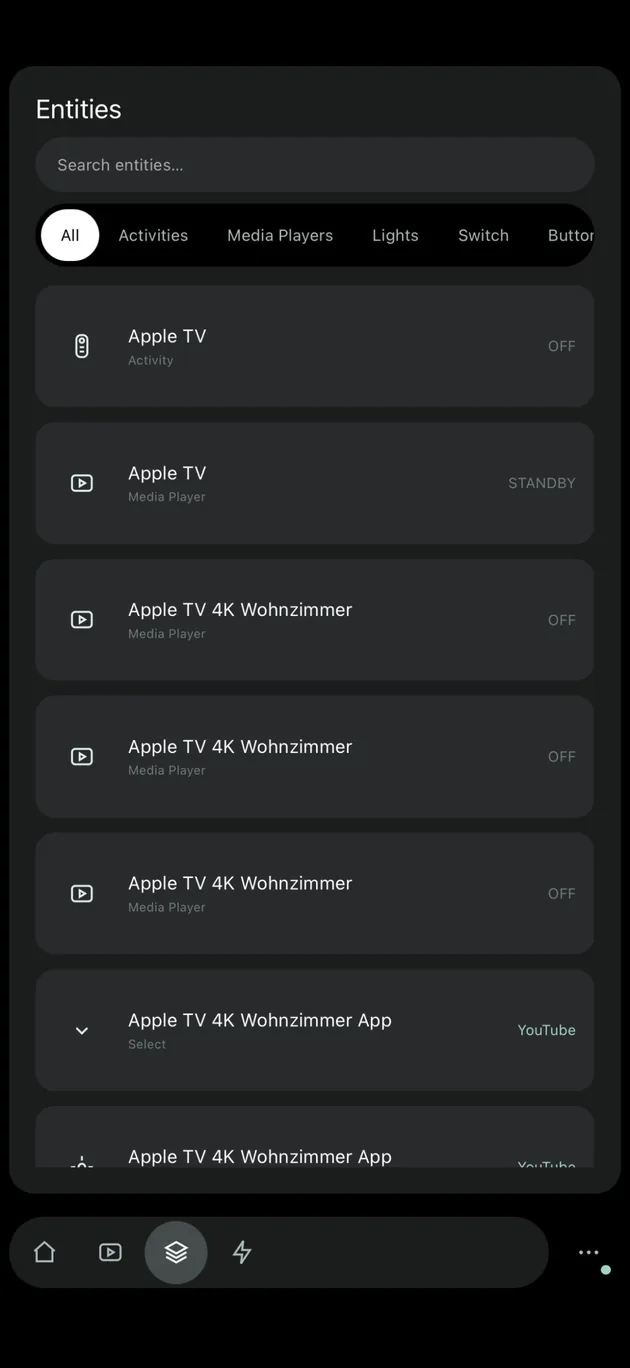
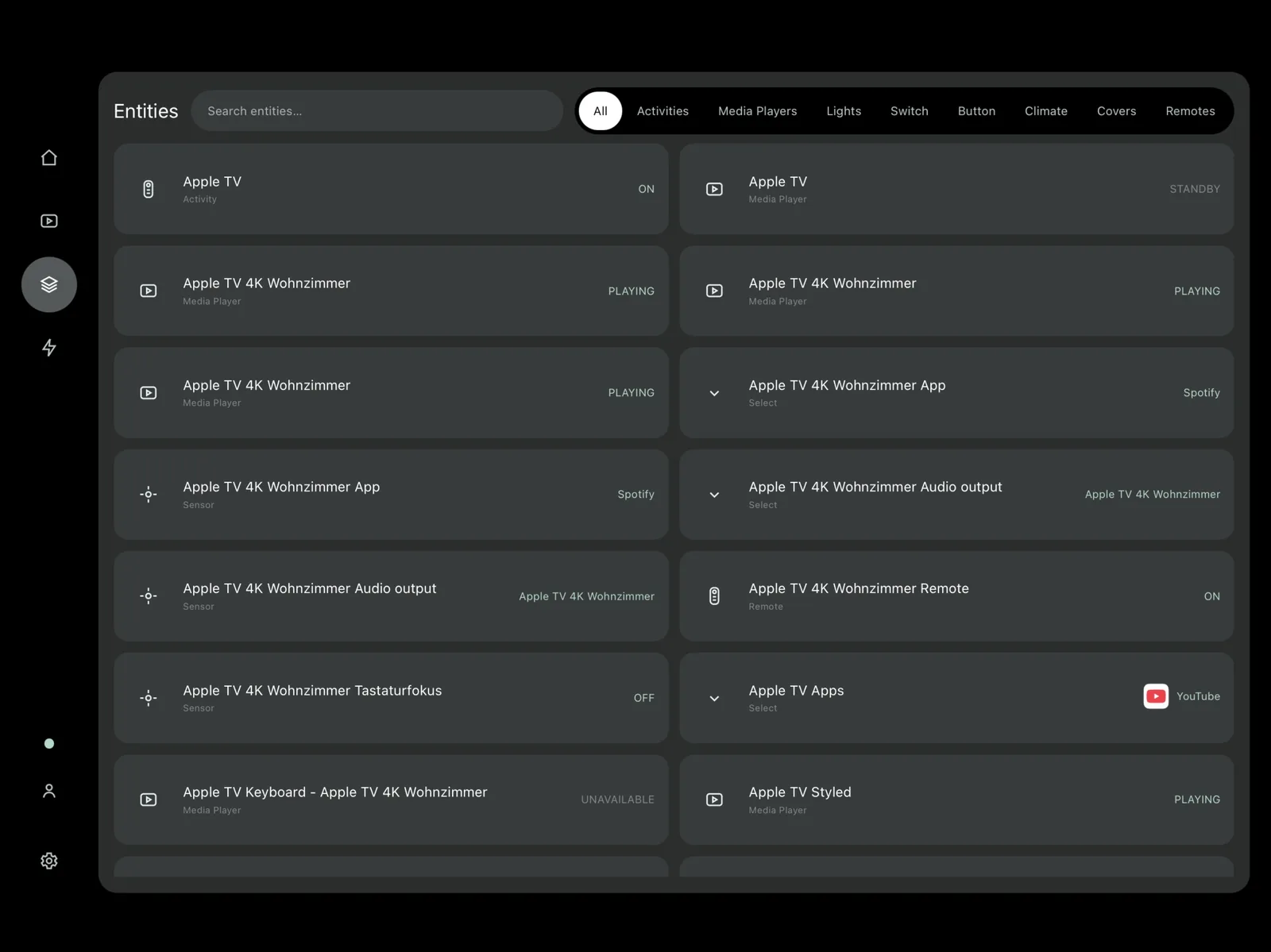
The Entities view lists everything your integrations provide. Search for a device or filter by type, then control it without starting an activity.
Answers to the things people ask most. If your question isn't here, send a message.
No. UC Remote is an independent app published through unfolded.tools. It is not affiliated with or endorsed by Unfolded Circle.
UC Remote works with compatible Unfolded Circle Remote Two and Remote 3 devices.
An iPhone or iPad running iOS or iPadOS 17 or later, and a compatible Remote. The app connects directly to your Remote on your local network.
No. You don't need a separate UC Remote account. The app connects directly to your Remote and uses the configuration that is already on it.
Yes. You can add several Remotes and switch between them inside the app.
Yes. Supported app settings sync across your Apple devices through iCloud.
UC Remote is a one-time purchase on the App Store. The exact price depends on your country and is shown on the App Store page.
According to its App Store privacy label, UC Remote does not collect any data. You can read the details in the privacy policy.
If something doesn't work as expected, send a message with the contact form on this page. For bug reports, mention your device, iOS version and what you were doing when it happened.
Questions, feedback or a bug to report? Don't hesitate to send us a message!
You'll get a reply at the email address you entered.
Your physical Remote stays at the center of your setup. UC Remote just puts it on your iPhone and iPad as well. Available on the App Store for iOS and iPadOS 17 or later.